
Owner control
The owner manages the details and contact options that can appear in a public safety view.
Loading VaahanSafe Experience...
The roadside view and the private owner account have different jobs and different information boundaries.
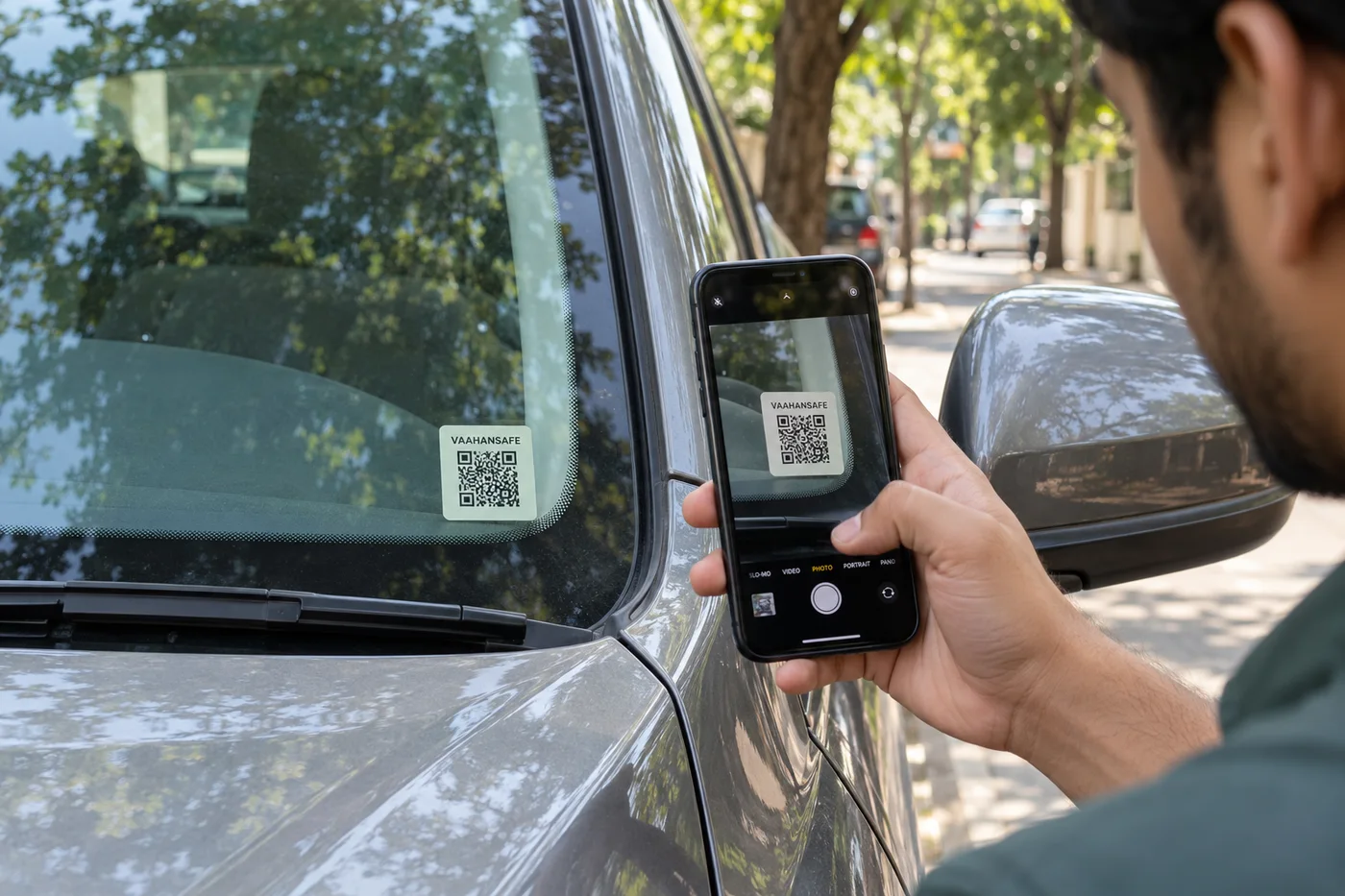
The printed QR contains a public link, not your personal details. Your settings determine the permitted information behind that link; the private account stays separate.
Contact emergency services first. VaahanSafe can help someone find selected information and contact routes, but it does not dispatch an ambulance, police or a rescue team.
The owner manages the details and contact options that can appear in a public safety view.
Knowing or scanning a public QR never grants ownership of a retail kit.
The server checks QR lifecycle and entitlement before exposing enabled services.
VaahanSafe helps present information and contact routes. In an emergency in India, call 112.
The safety view is a limited view of the information available for that QR.
A scanner may see vehicle context, owner-selected safety information and permitted contact actions. The exact options depend on your settings and the services currently available for the vehicle.
The public view is separate from the owner dashboard. Scanning does not grant access to account management, orders, payments or the private activation proof.
A useful contact is someone who knows their role and has current details.
Discuss the role with each nominated contact before adding them. Explain the kinds of vehicle or safety issues they may be contacted about, and review their details when circumstances change.
A notification attempt cannot guarantee a response. Phones may be off, a provider may be unavailable, or a contact may be unable to help. Keep other ways of reaching help available.
Read contact guidanceThe printed code identifies the sticker; it does not prove ownership.
A retail activation proof belongs only in the official activation flow. Keep the scratch panel concealed until you are ready to use it. Never share a revealed panel in a photo.
Opening a checkout, scanning a kit or changing browser state does not enable a real vehicle service. The platform checks the ownership and required acquisition conditions before confirming service access.
Your safety comes before scanning a QR.
Do not stop in moving traffic, enter a dangerous location or handle an injured person solely to reach a sticker. Follow instructions from trained responders and emergency services.
Owner-entered safety notes may be incomplete or outdated. They are contextual information, not a diagnosis or a substitute for professional assessment.
Read the full disclaimerNo. The QR contains a public resolver address. The information shown after a scan comes from the allowed safety view, so review your visibility settings.
The printed marker remains visible, but opening the online safety view and using network-based contact options requires connectivity and available services.