
Get your QR
Purchase online or obtain a pre-issued retail kit. Online payment and retail activation are separate paths.
Loading VaahanSafe Experience...
Follow the journey from setup to a useful roadside connection.
Start with the QR you bought, connect it to the vehicle you are authorized to manage, and choose the information a scanner should see. Wait for setup to be confirmed before relying on the sticker.
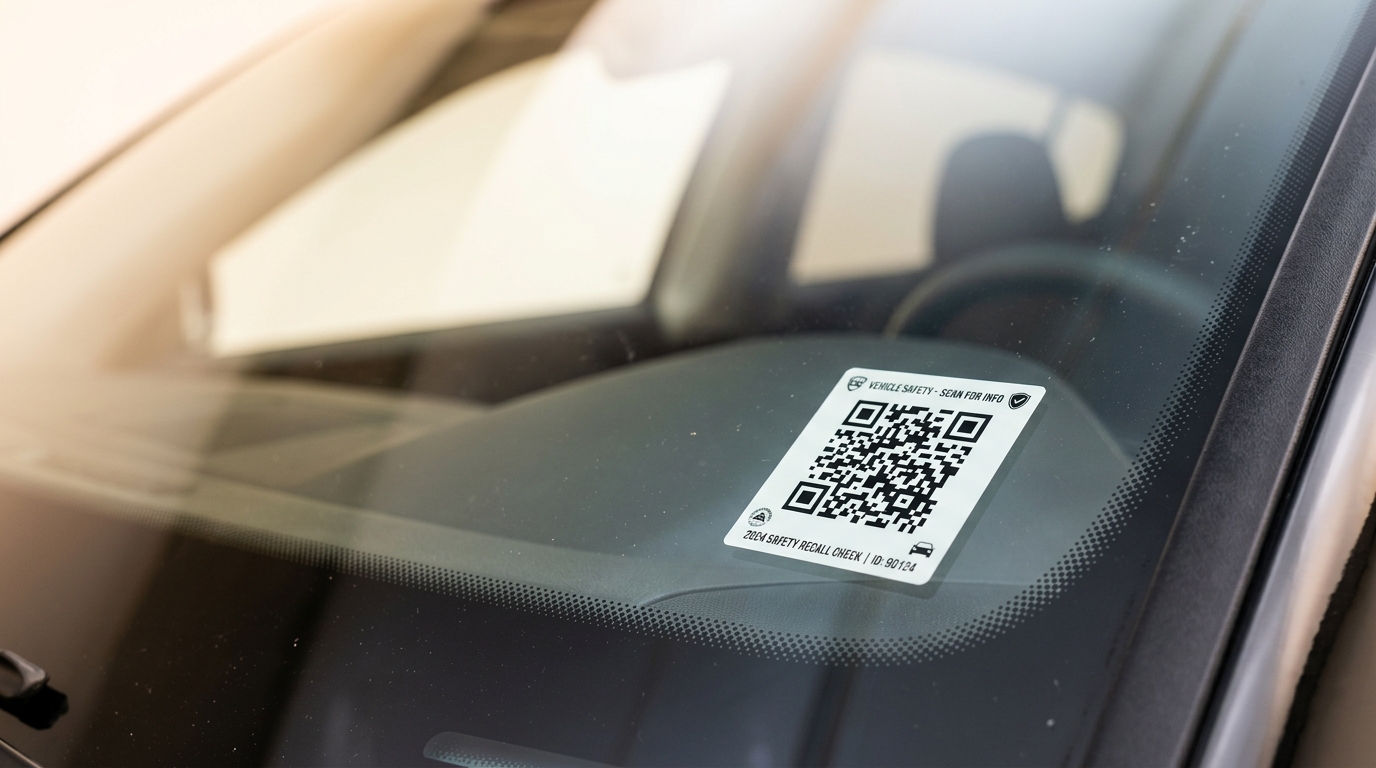
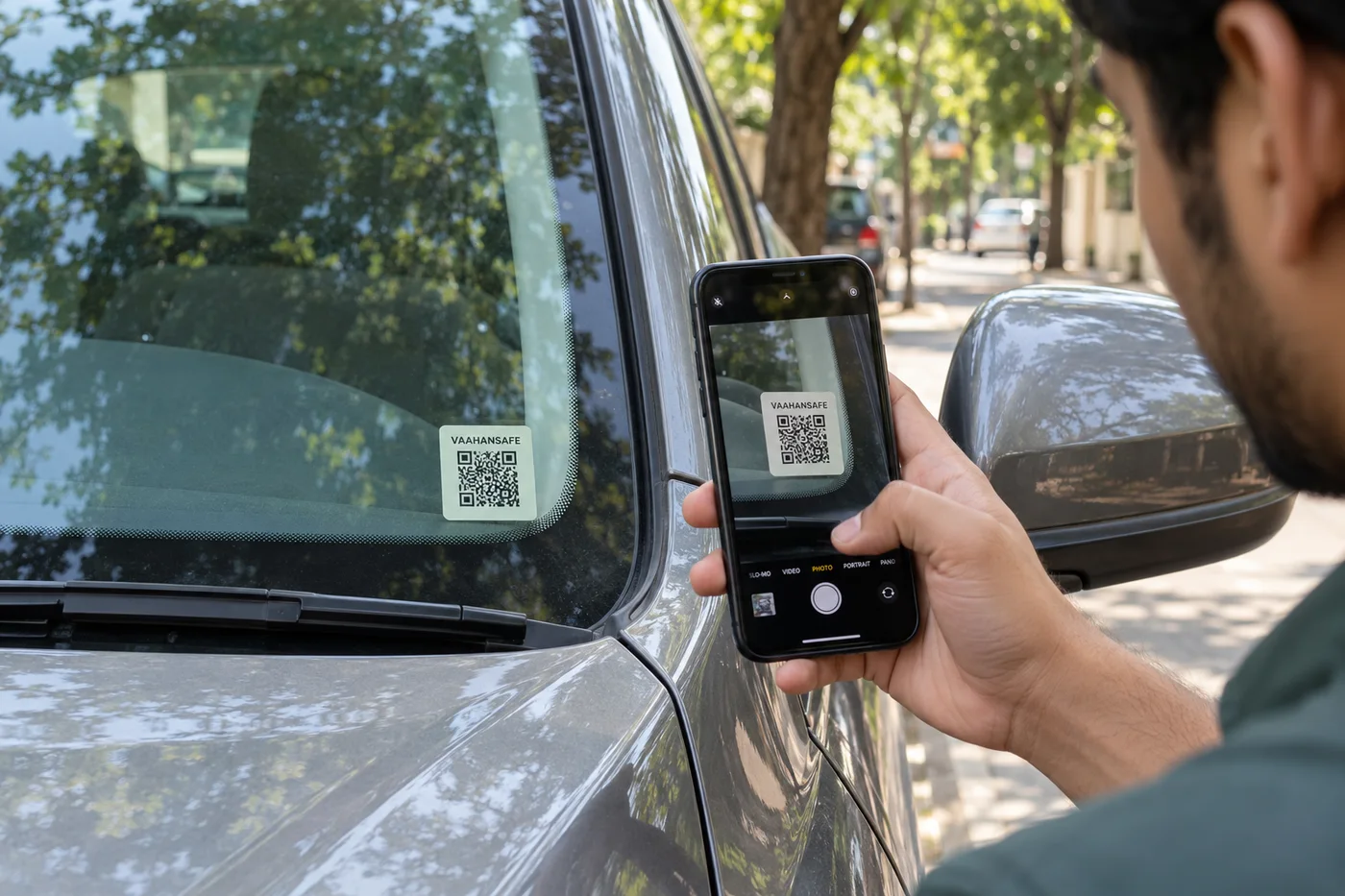
Purchase online or obtain a pre-issued retail kit. Online payment and retail activation are separate paths.
Sign in with a verified mobile and link an eligible vehicle through the appropriate flow.
Set contacts and optional safety information; review the public projection before relying on it.
Apply the sticker in a visible position, then test a scan to check the public experience.
Choose the setup path that matches how you obtained the QR.
For an online purchase, review the live offer, delivery information and total before paying. Wait for the order to show a confirmed payment status. Returning from checkout alone is not confirmation.
For a retail kit, check that the packaging and concealed activation panel are intact. Scanning the public QR identifies the kit; the separate proof is what you use during the official activation process.
Use your own account and a mobile number you can verify.
Enter the vehicle details carefully and confirm that you are authorized to manage that vehicle. If you use Google to sign in, a verified mobile number is still required for the customer account.
Choose the vehicle during the appropriate setup flow. Do not attach a sticker intended for another vehicle or share an activation proof with someone else. Your account should confirm the connection before you rely on the QR.
Get activation helpAdd useful information deliberately, then review what a scanner can see.
Ask your nominated contacts whether they are comfortable being contacted about your vehicle. Use current details and an appropriate contact order where your account supports it.
Only add optional safety information you are comfortable sharing under the available visibility controls. A public QR is accessible to strangers, so avoid unnecessary personal details.
Read the safety guideComplete a real scan after installation, not just a visual check of the sticker.
Choose a clean, flat surface visible to someone outside the vehicle. Avoid the driver's sightline, lights, number plates and required markings. Follow the installation instructions included with your kit.
Open a phone camera and scan from the normal approach angle. Confirm that the official safety page opens and that the right vehicle information appears. If the view is unavailable, check activation, payment or service status in your account.
No. You also need a verified account, the separate activation proof and an eligible vehicle connection. Wait for the official activation flow to confirm completion.
Check the order status before attempting another payment. If it remains unclear, contact support with the order and payment references. Do not share an OTP, PIN or full card details.